Make art the way any era made it
Describe a subject or upload a photo, then choose from 48 art periods and movements: Renaissance, Baroque, Impressionism, Art Deco, ukiyo-e and more.
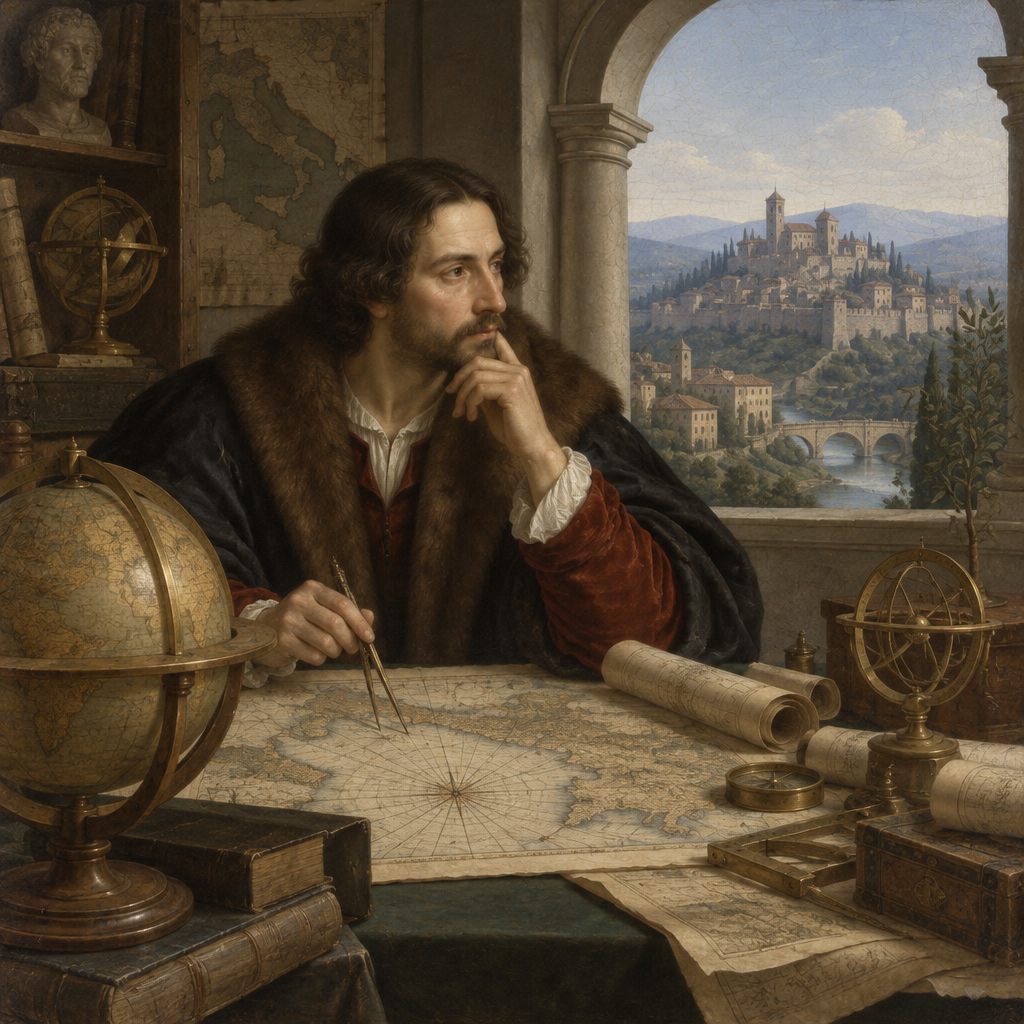 RenaissanceEurope, 15th to 16th century
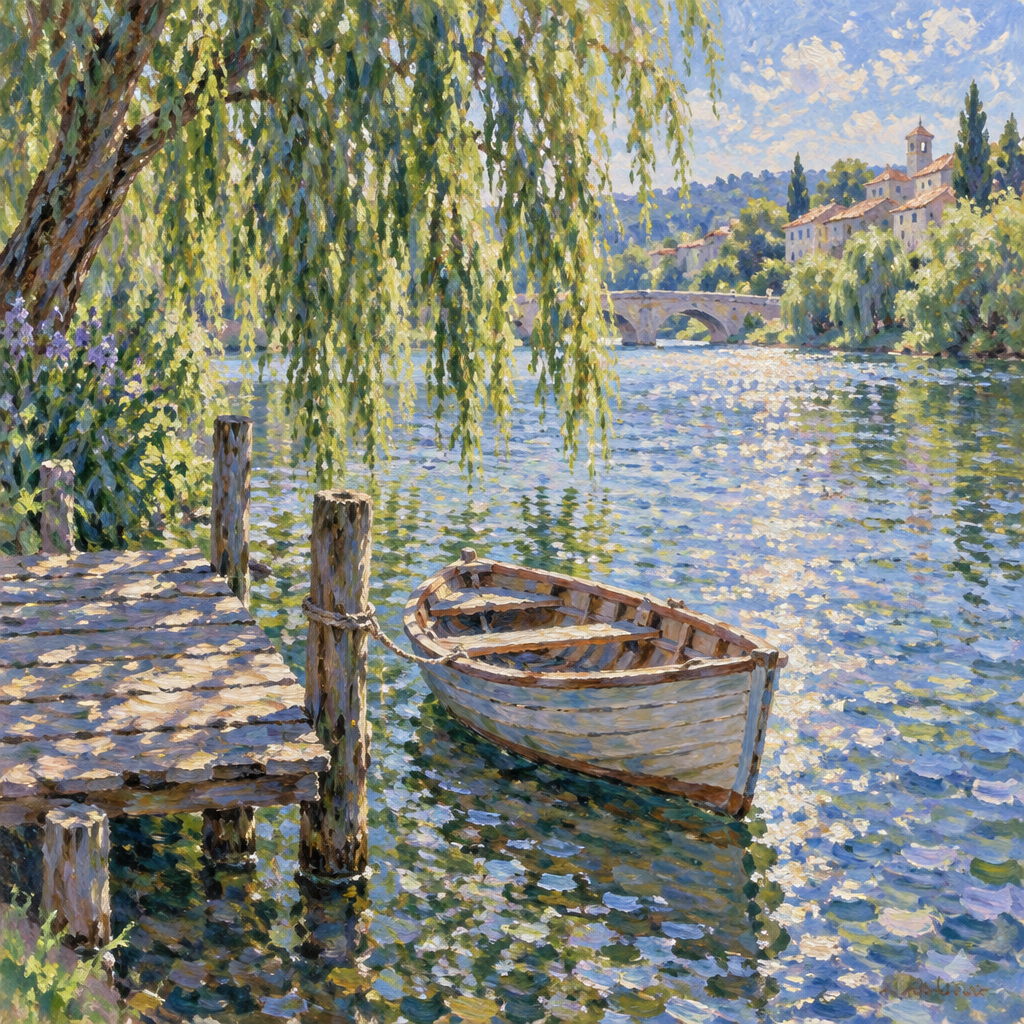 ImpressionismFrance, 1870s and 1880s
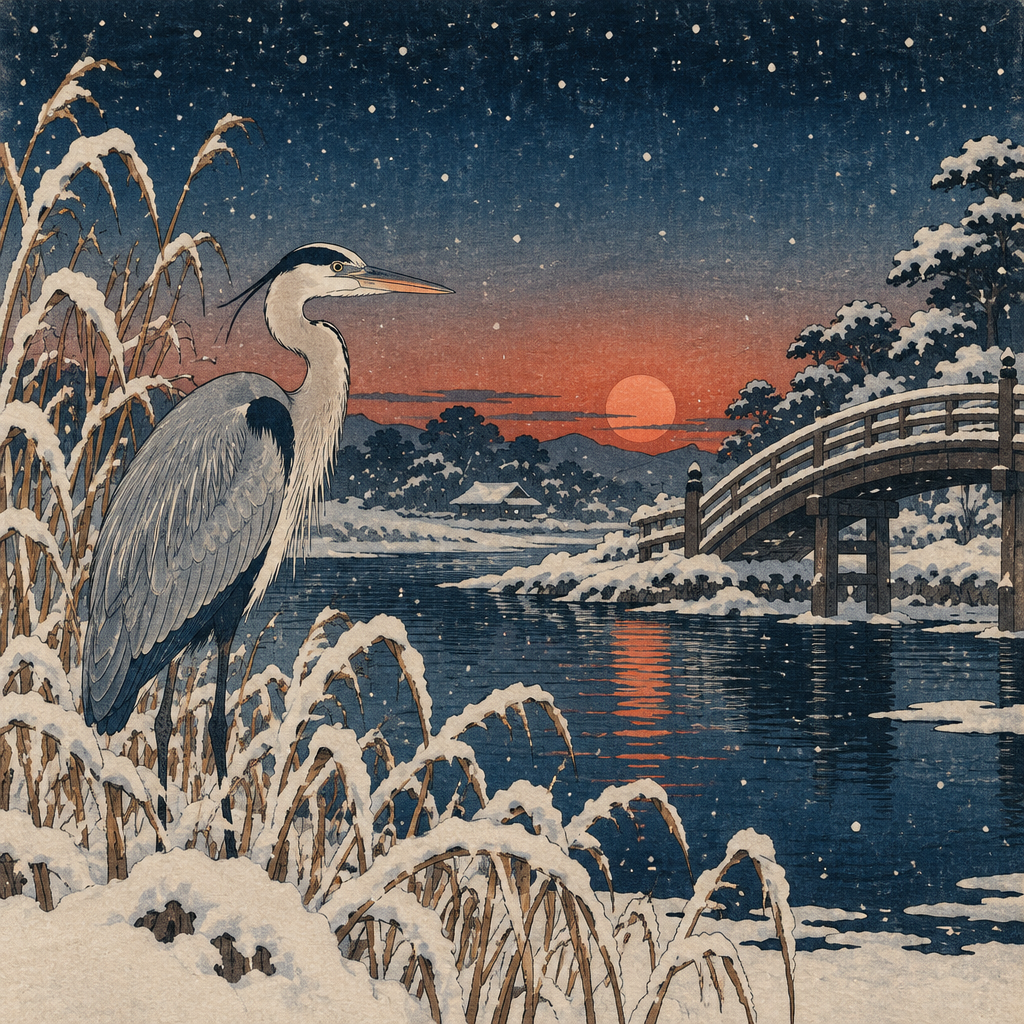 Ukiyo-eJapan, Edo period
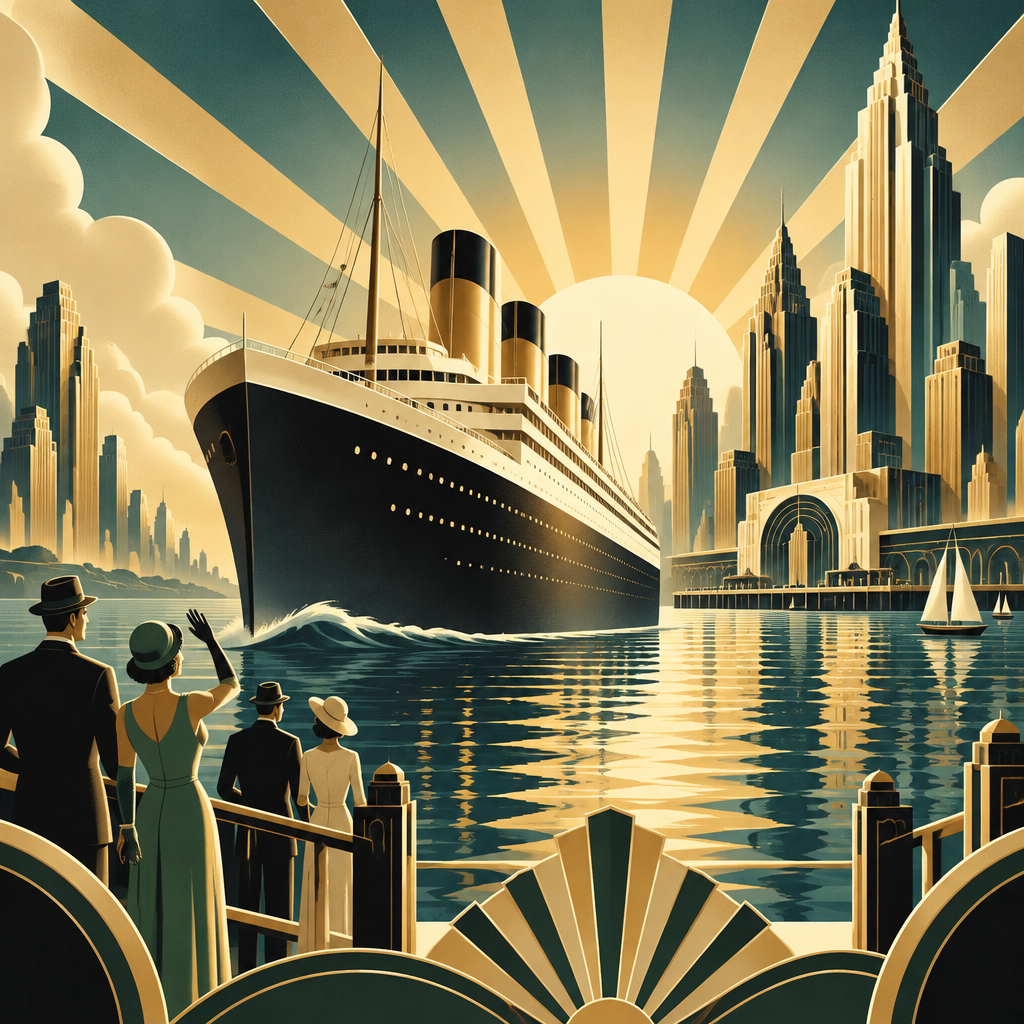 Art Deco1920s and 1930s
Sign in with Google to start with 2 free credits.
48 periods, one prompt box
See all 48Ancient wall painting, medieval gold, old-master oils, the modern movements, and traditions from Japan, China, Korea, Persia, South Asia and the Americas. Each one works with text prompts, photos and video.
RenaissanceBalanced oil portraits, soft light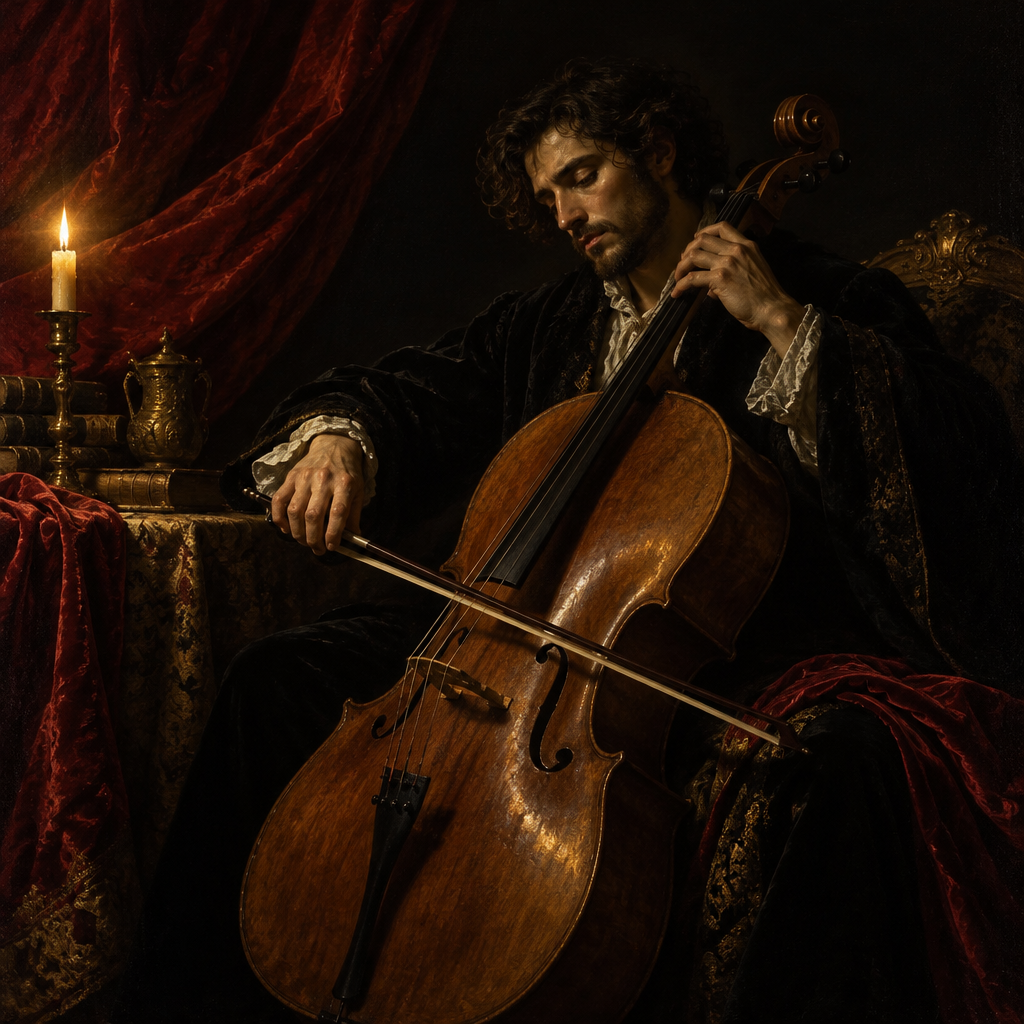 BaroqueDeep shadow, dramatic spotlightImpressionismBroken colour, outdoor light
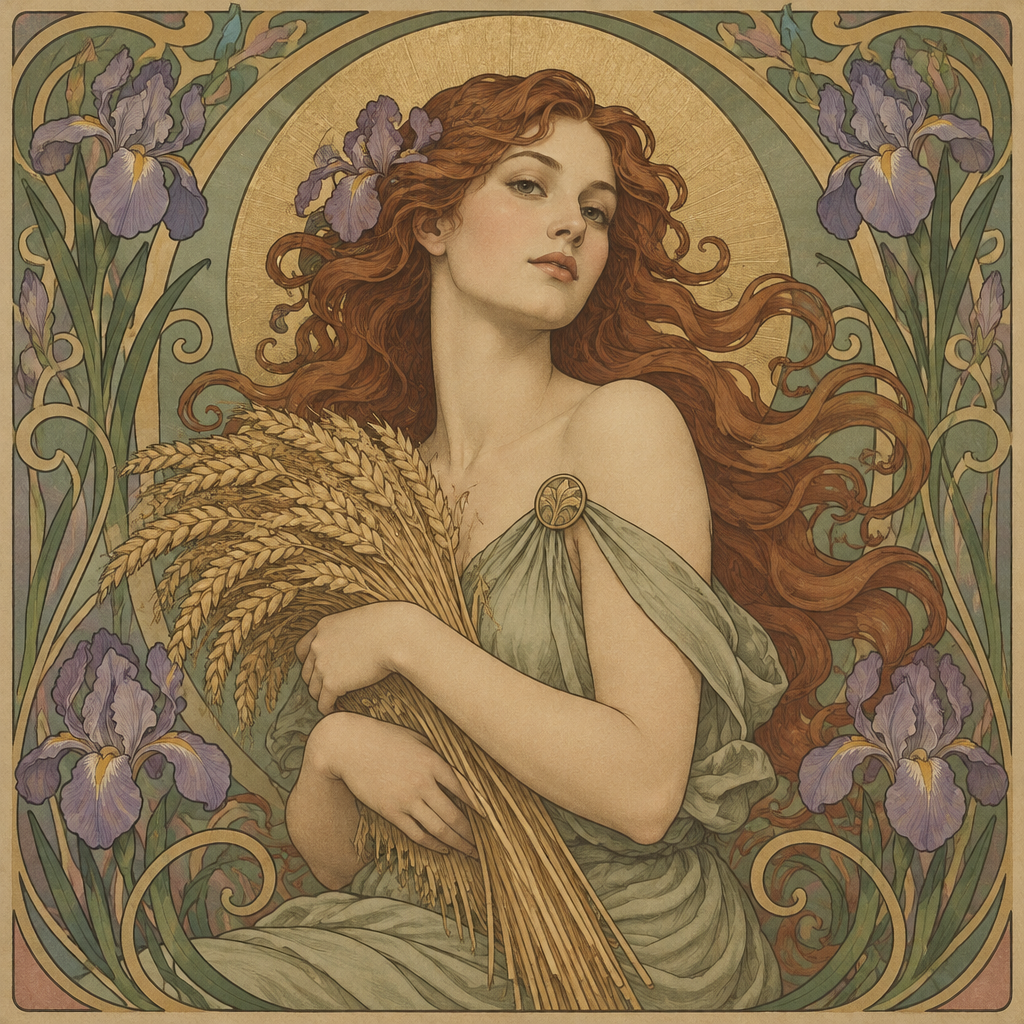 Art NouveauFlowing lines, floral bordersArt DecoGeometric glamour, gold and black
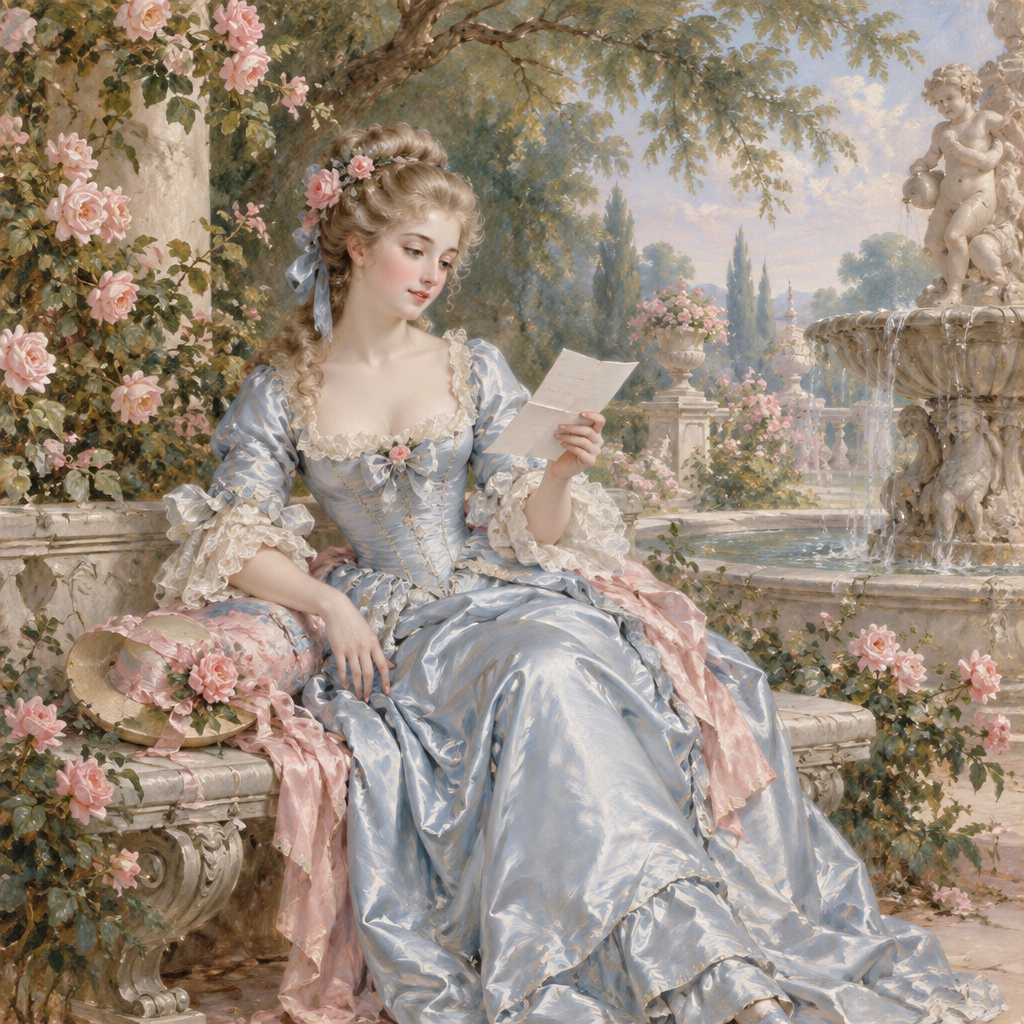 RococoPastel, playful, ornate
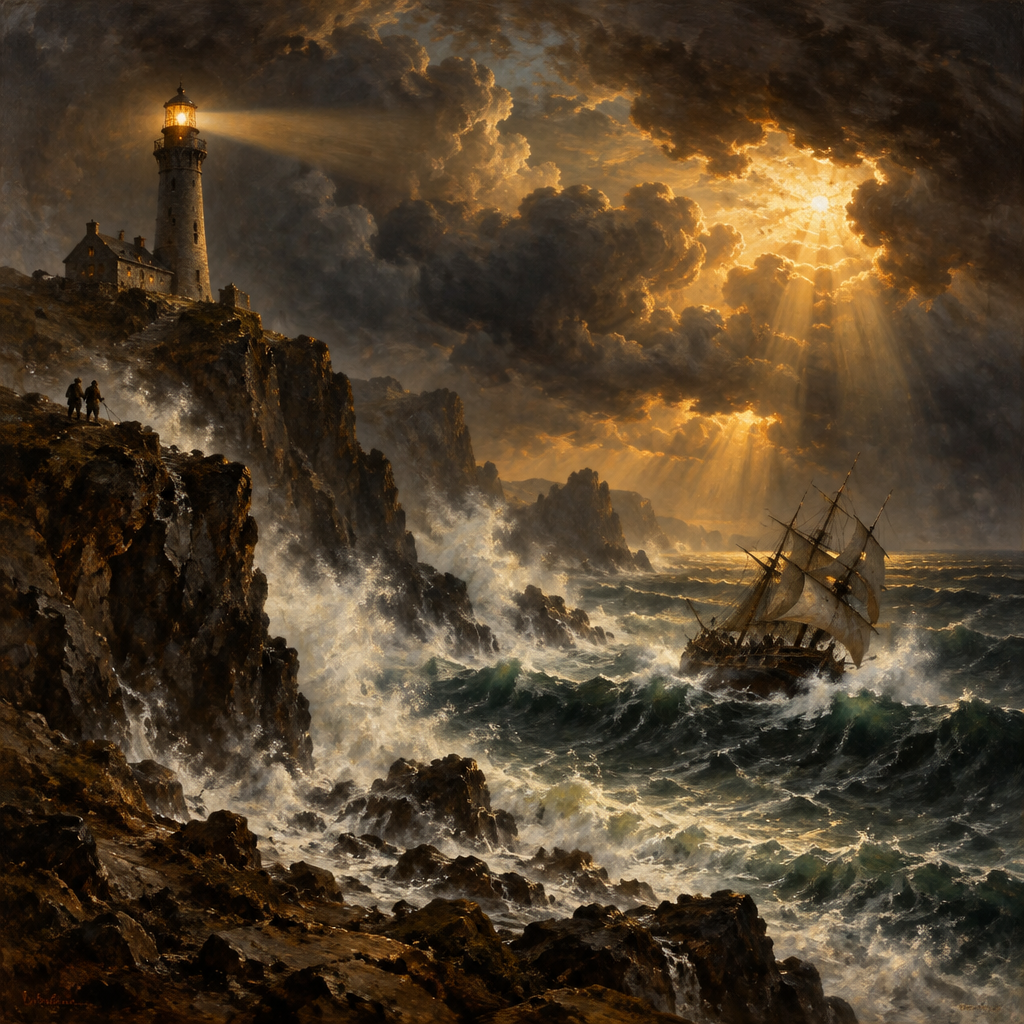 RomanticismStormy skies, vast natureUkiyo-eEdo woodblock prints
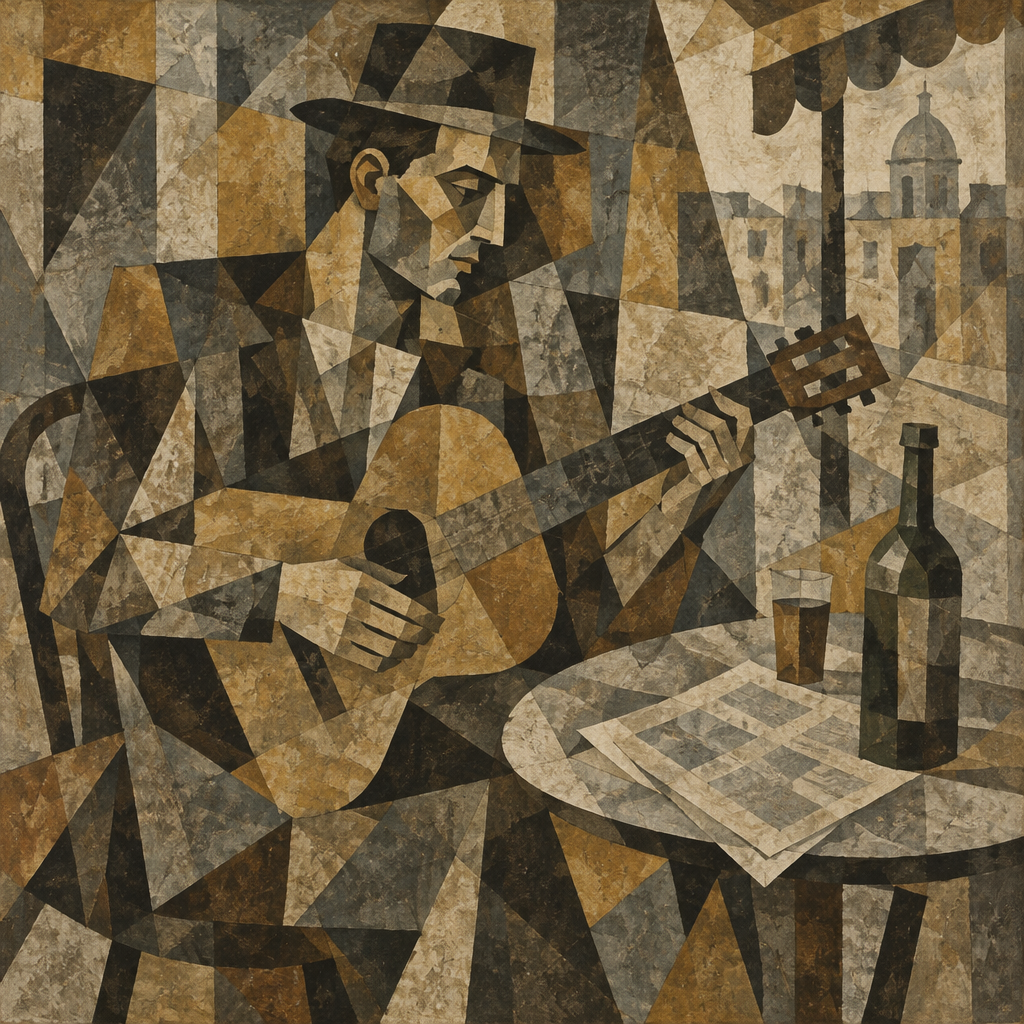 CubismFractured planes, many angles
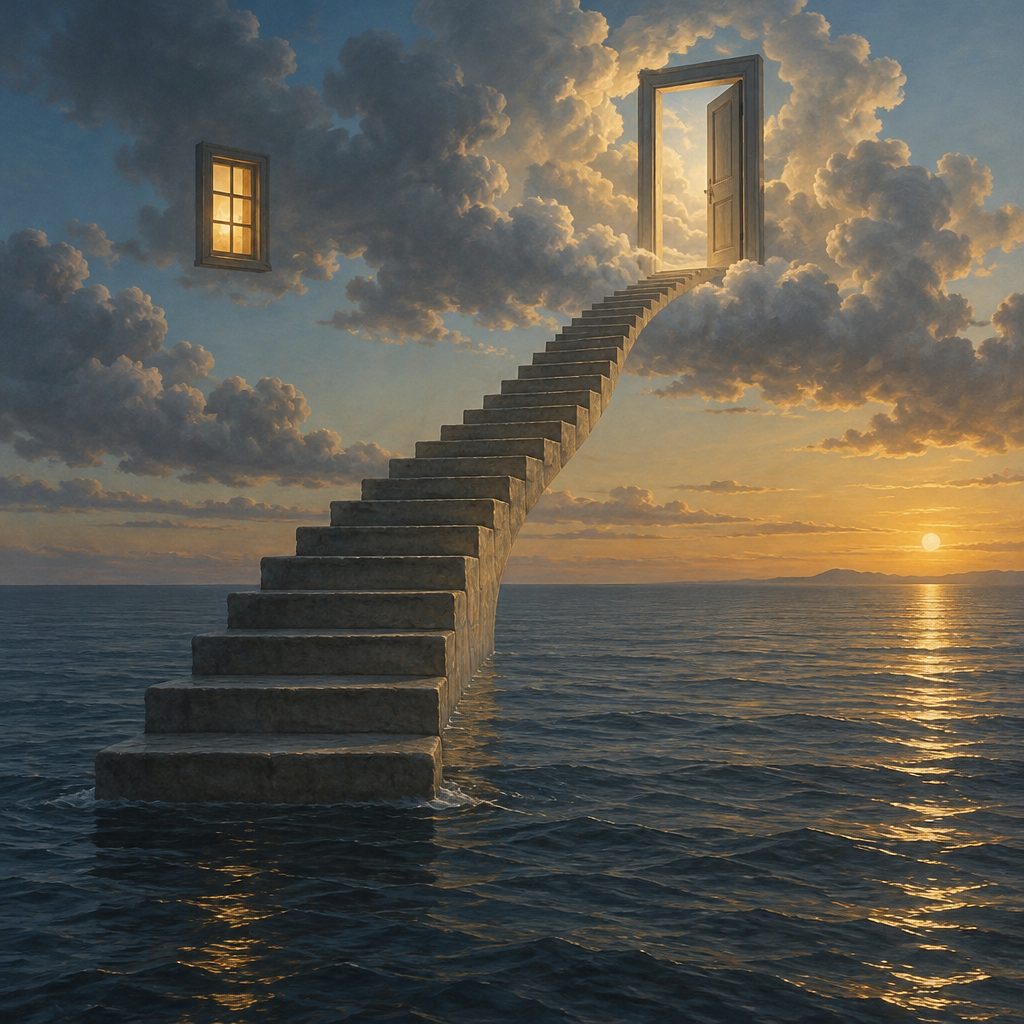 SurrealismDream logic, precise detail
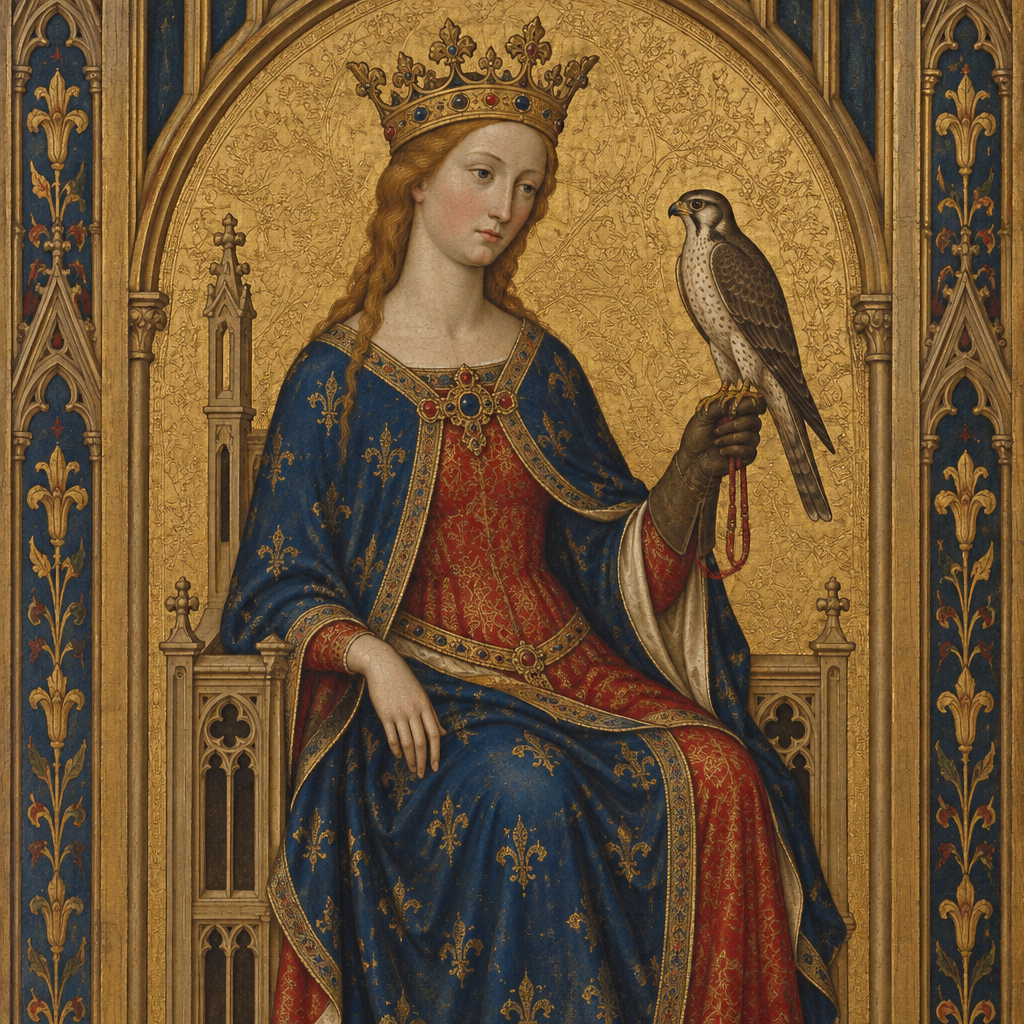 GothicGold ground, pointed arches
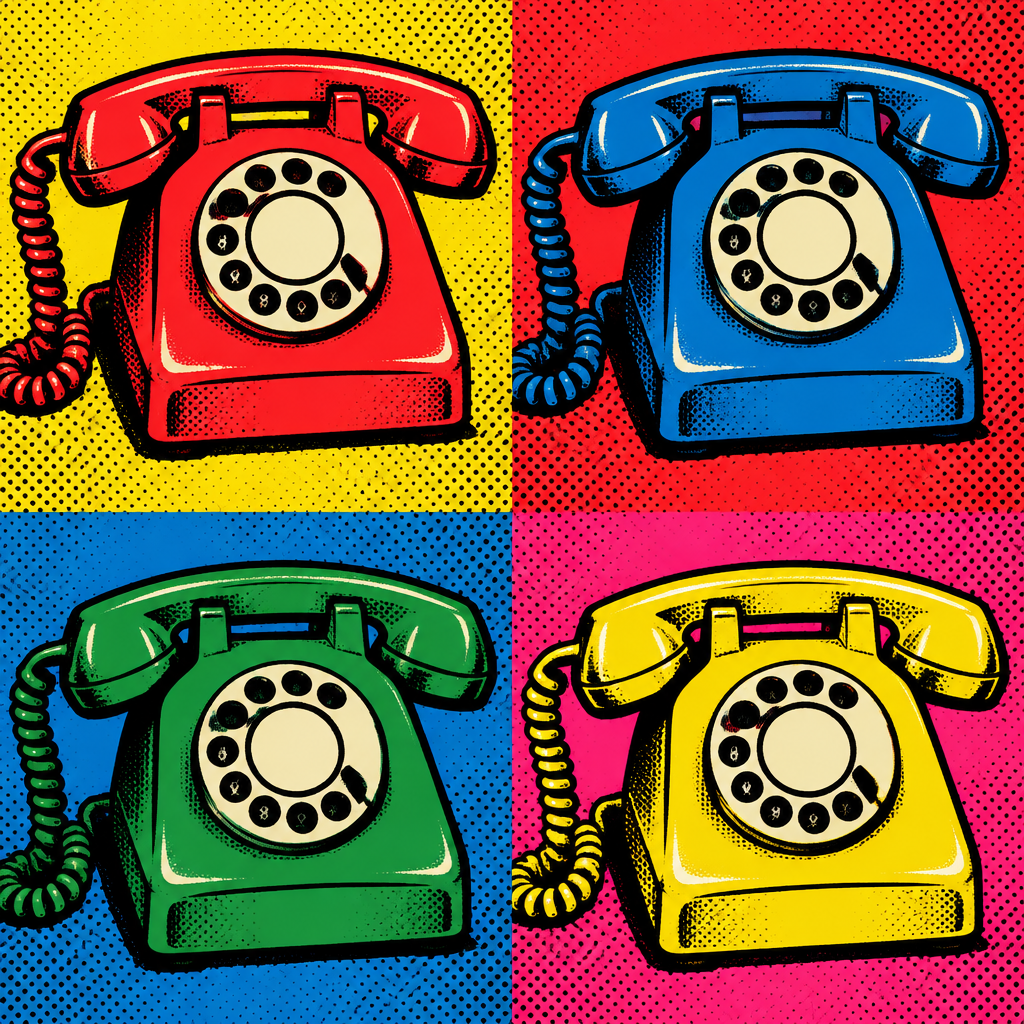 Pop ArtBold dots, flat colour
Four ways to work
From a sentence
Write what the picture shows and choose a period. A standard image costs 1 credit.
Write a promptFrom a photo
Upload a portrait, a pet or a view and have it repainted in the period you pick.
Upload a photoAs a moving picture
Generate a 4 to 15 second video, up to 1080p with optional audio, or animate an image you made.
Make a videoThen refine it
Change any result with a plain-English instruction, or upscale it to a larger size.
Open the studioRecently shared by members
Explore the galleryPublic artwork from the community gallery. Open any piece to see the prompt behind it.
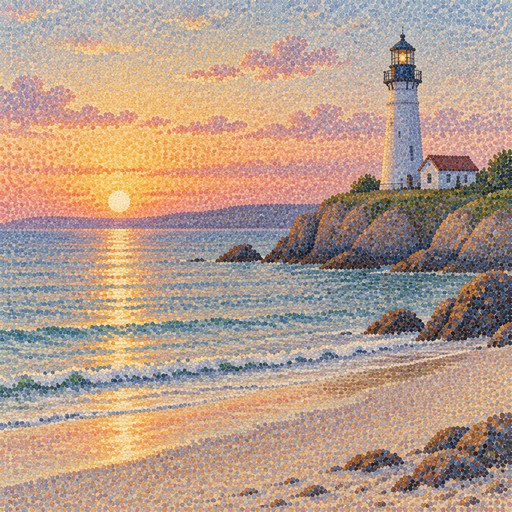 a lighthouse on a pale beach at sunrise
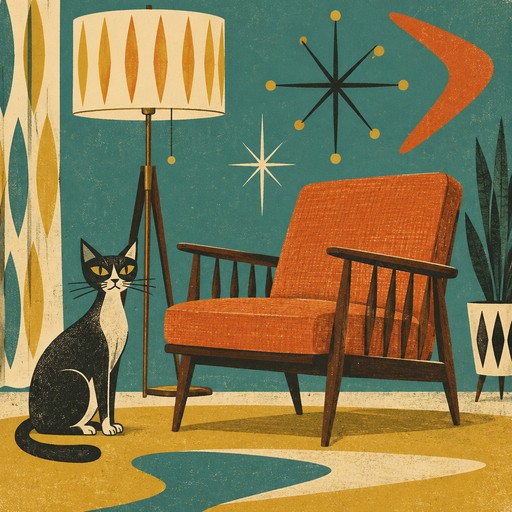 a cat sitting beside a spindle-legged armchair and a floor lamp
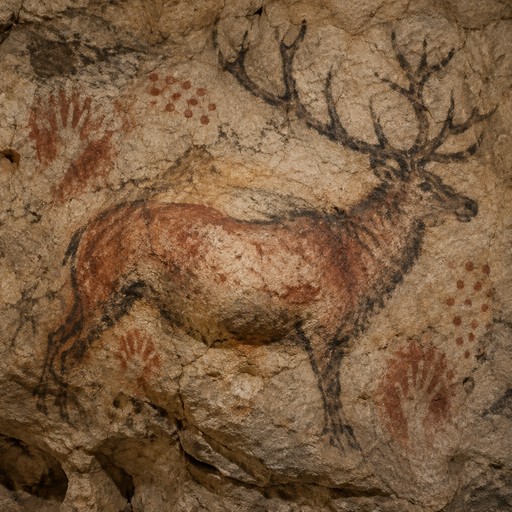 a great-antlered deer drawn over a bulge in the rock
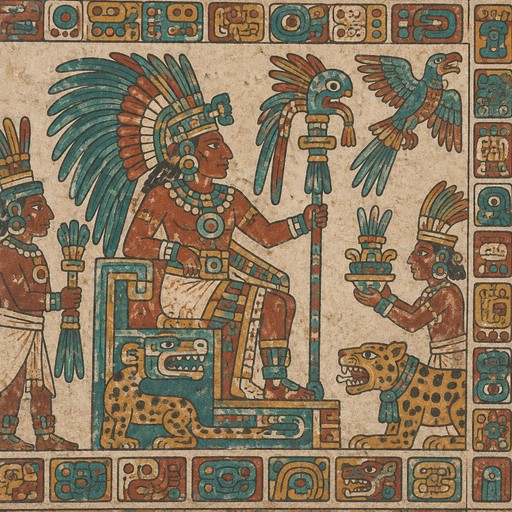 a ruler in a feathered headdress holding a ceremonial staff
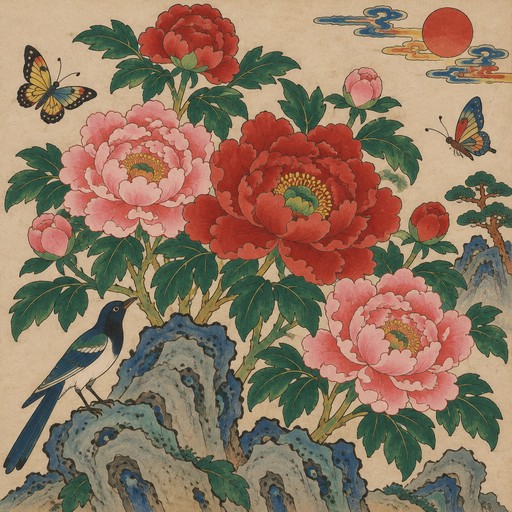 a panel of large pink and red peonies on rocks
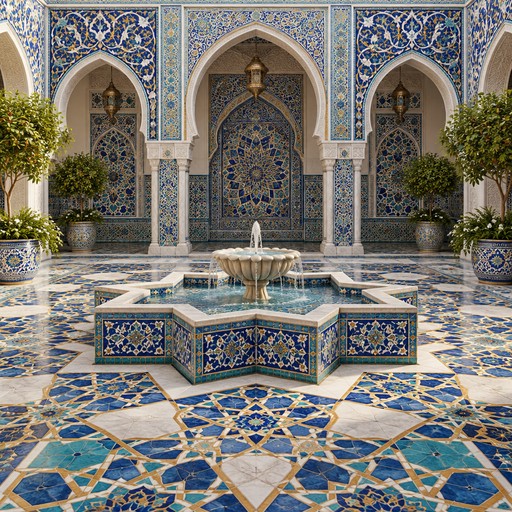 a quiet courtyard with a star-shaped fountain and patterned floor
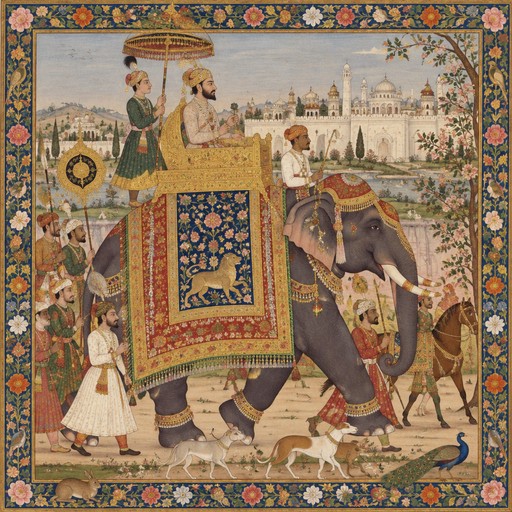 a caparisoned elephant in a royal procession
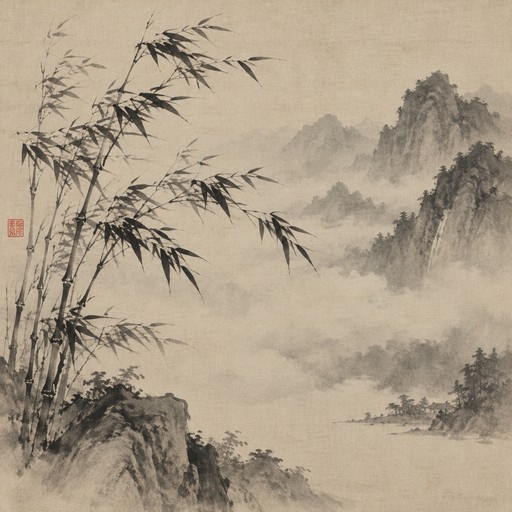 a spray of bamboo in wind with a few quick strokes
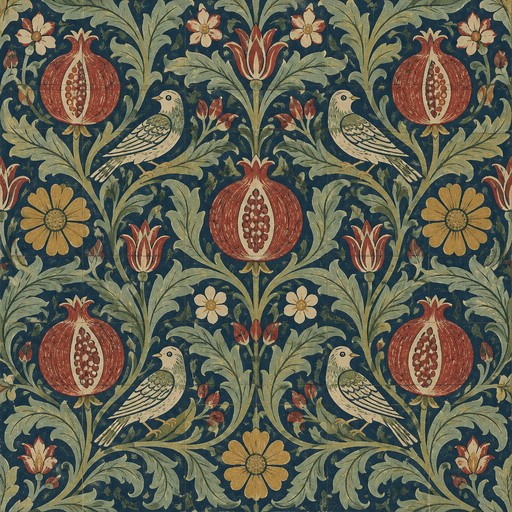 a tile panel of pomegranates and curling acanthus leaves
 three grey vertical bars of equal width on white
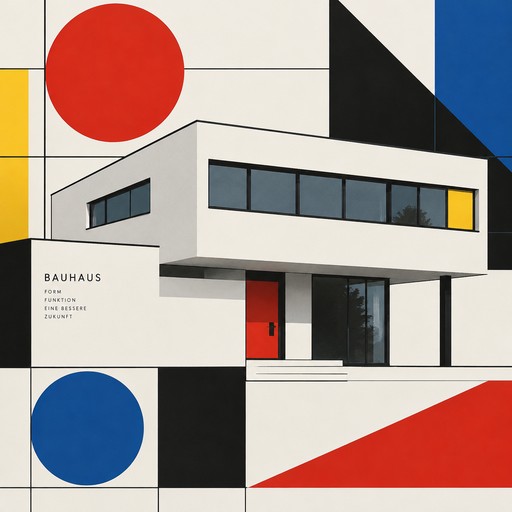 a white modernist house with a flat roof and ribbon windows
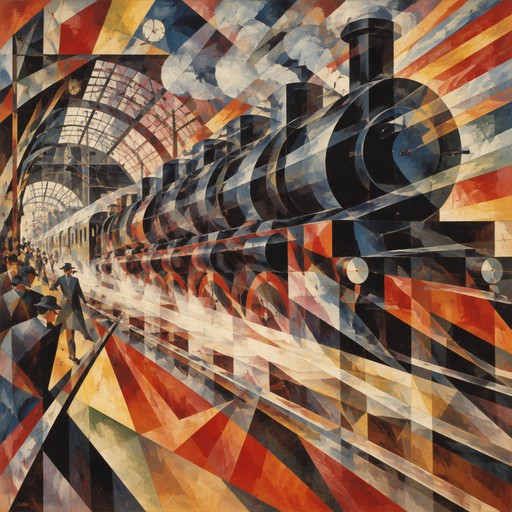 a steam train bursting out of a station in streaks of light
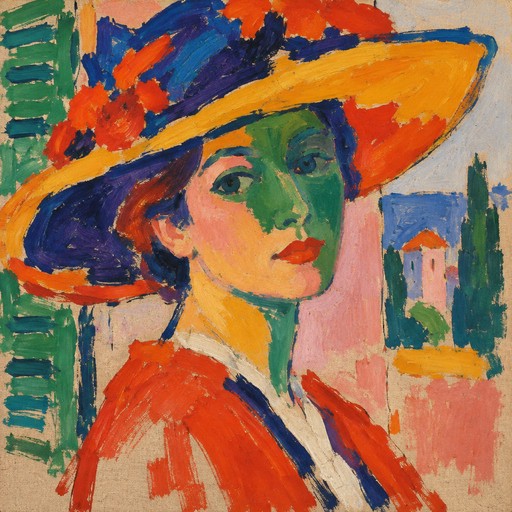 a woman in a wide hat with a green shadow down her face
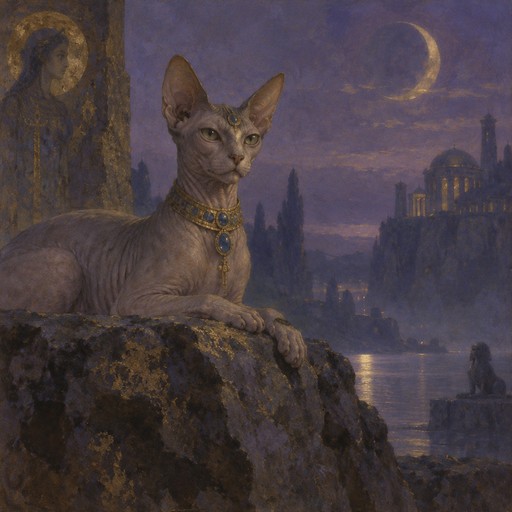 a sphinx-like cat on a rocky ledge under a violet sky
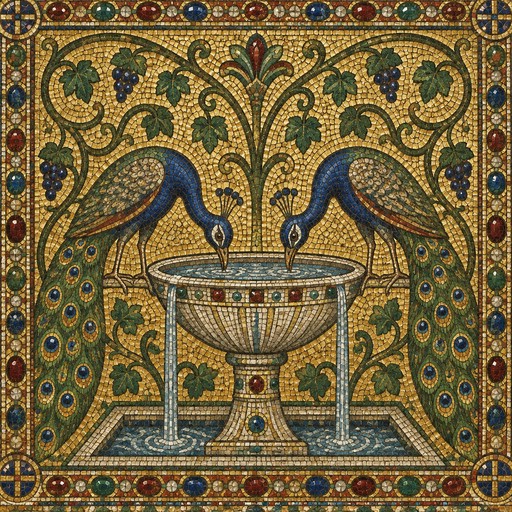 two peacocks drinking from a fountain surrounded by vine scrolls
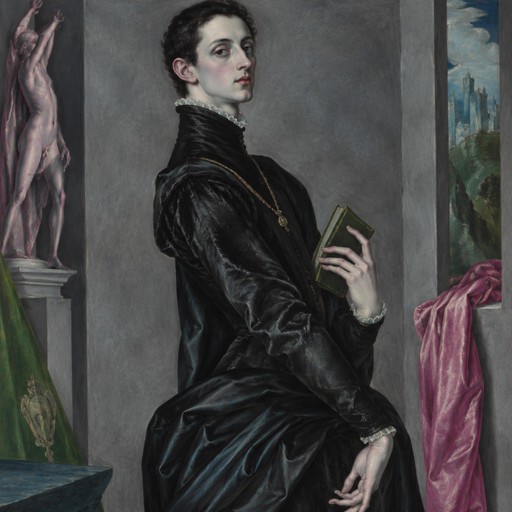 a courtier in black holding a small book against a grey wall
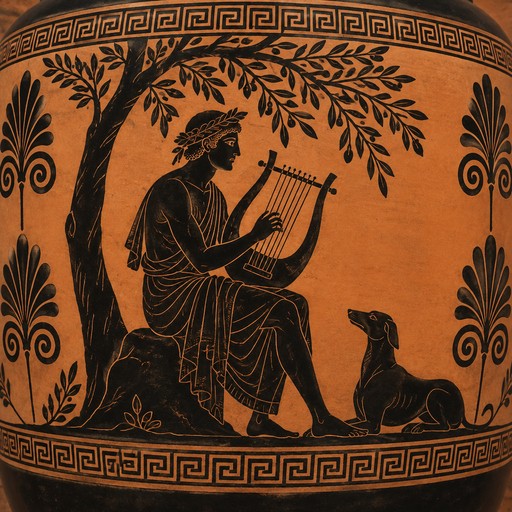 a lyre player seated beneath an olive tree
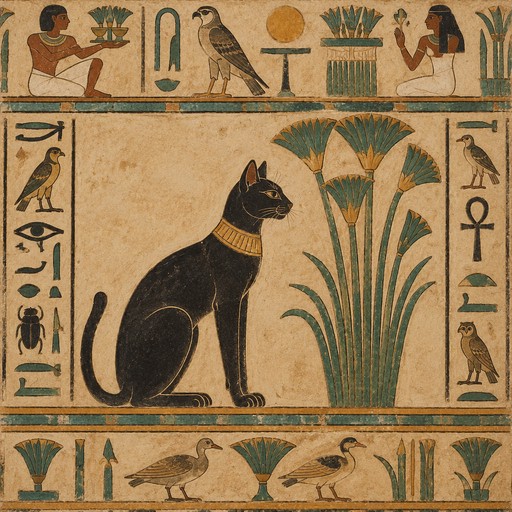 a sleek cat with a gold collar beneath a papyrus plant
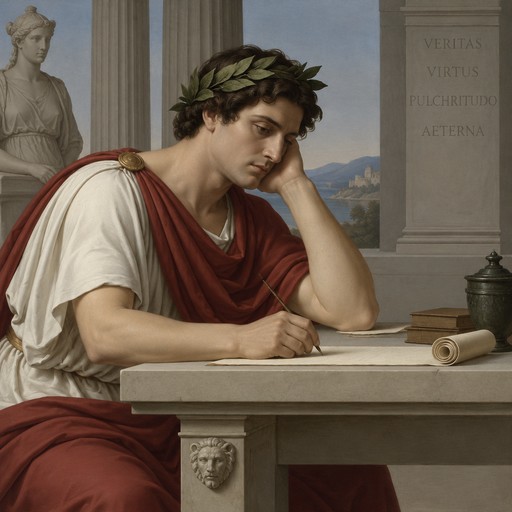 a poet with a laurel wreath writing at a stone table
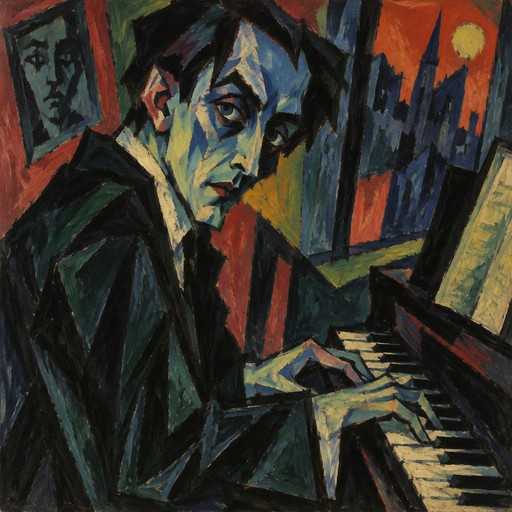 a portrait of a pianist with blue shadows across the face
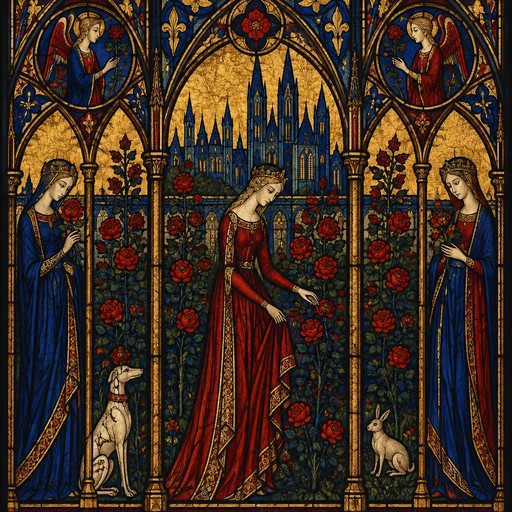 a stained-glass window of a rose garden in ruby and cobalt
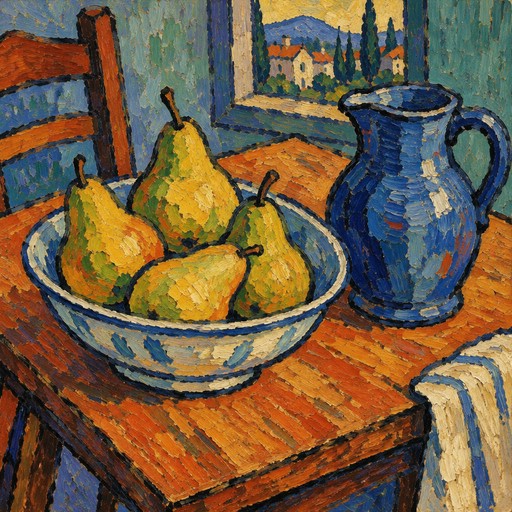 a bowl of pears and a blue jug on a tilted wooden table
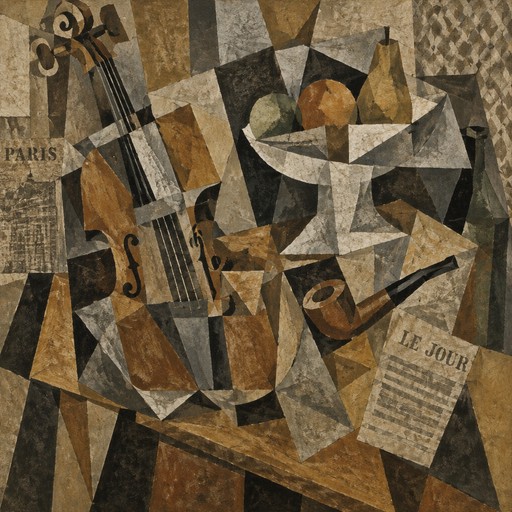 a still life of a violin, a pipe and a fruit bowl on a tilted table
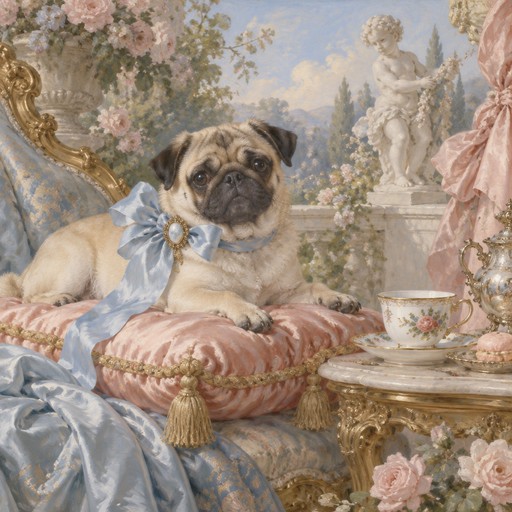 a pug on a tasselled silk cushion beside a porcelain teacup
Questions
What is Period Art?
Period Art is an AI art generator arranged by art history rather than by trend. You describe a subject, or upload a photo, and choose one of 48 periods and movements, from cave painting and Egyptian wall painting through the Renaissance and Baroque to Cubism and Op Art. The generator makes a new image using that period's typical materials, palette and composition.
Is it free to try?
Sign in with Google and your account starts with 2 free credits. A standard image costs 1 credit. After that, plans start at $9/month for 250 credits or $29/month for 1,000, and one-time packs are $12 for 250 credits or $40 for 1,000.
Can I turn a photo into a painting from a particular period?
Yes. Open the Photo tab, upload a picture and pick a period. The photo guides the subject and layout, and the period sets the handling: oil glazes for the Renaissance, deep shadow for Baroque, broken colour for Impressionism, flat outlined colour for ukiyo-e. You can add a short written instruction as well.
Can I edit, upscale or animate what I make?
Yes. Any image you make can be changed with a plain-English instruction, upscaled to a larger size, or animated into a video. Videos run 4 to 15 seconds at up to 1080p with optional audio, and you can also generate a video directly from a prompt.
Who owns the art I make?
You do. The details are in our Terms of Service. Copyright law for AI-made images varies by country, and nothing here is legal advice.